


Introduction
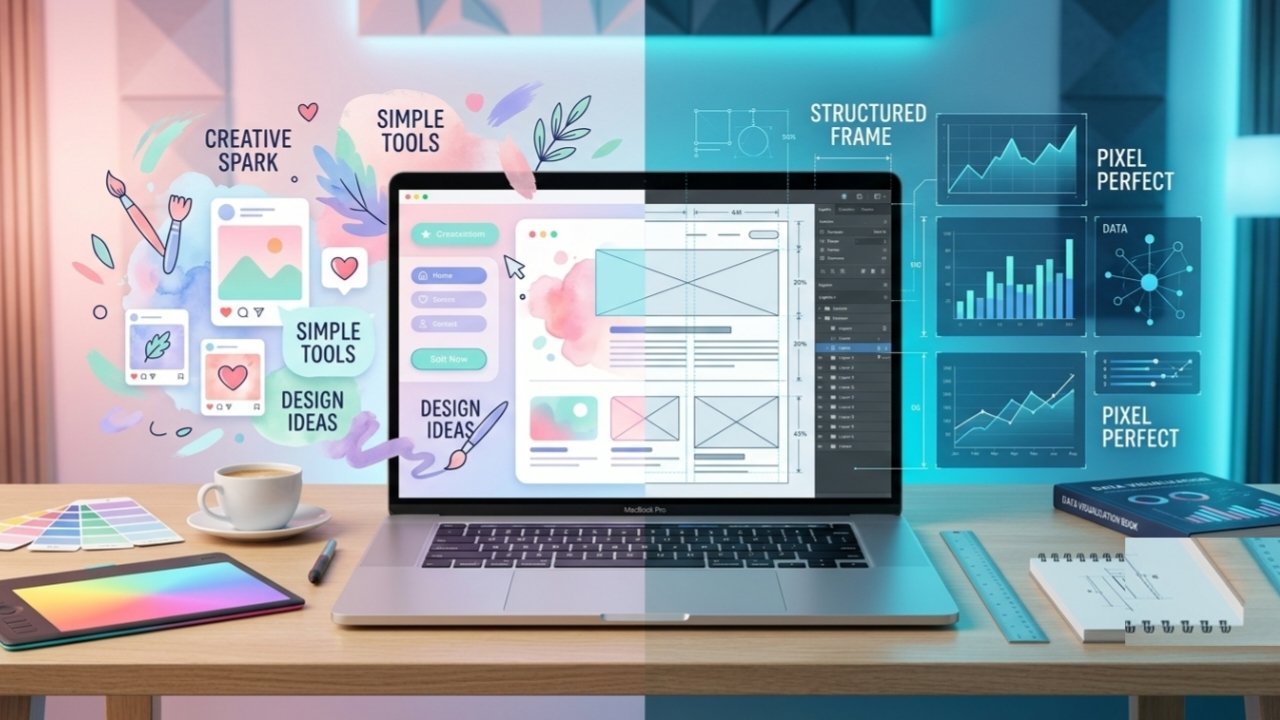
Did you know that over 170 million people use Canva every month to create professional designs in minutes without any graphic design experience? Whether you are a small business owner, social media marketer, or content creator, Canva has completely transformed the digital design landscape by making graphic design fast, intuitive, and accessible to everyone.
In this comprehensive guide, we will break down how Canva stacks up against its top competitors, explore its standout features, and help you decide if it is the right design platform for your needs.
Detailed Comparison Criteria
To truly evaluate how Canva performs against other platforms, it helps to examine the core areas that dictate your daily workflow. Below is a breakdown of the critical factors you should consider when choosing a design tool.
Ease of Use & Learning Curve
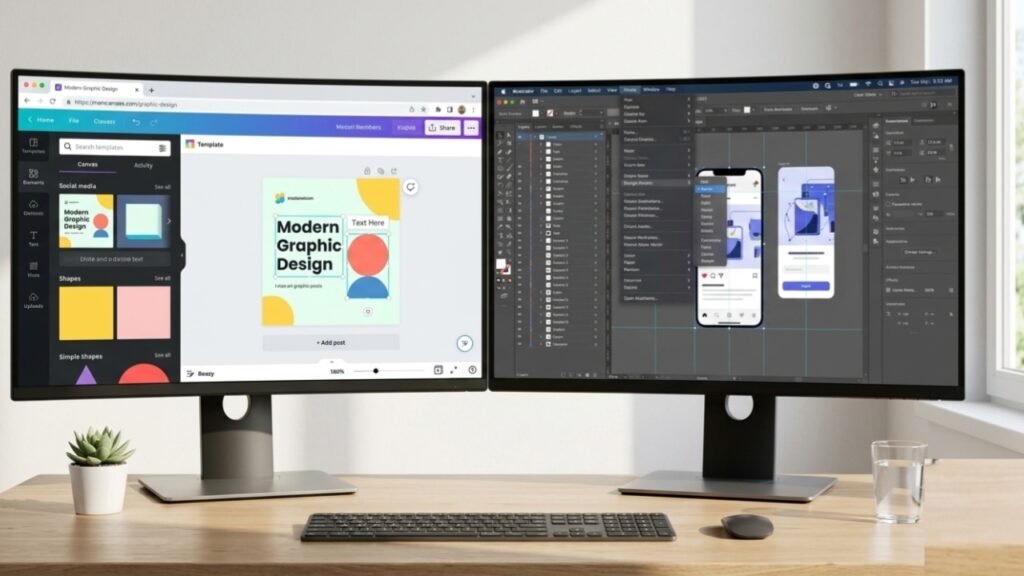
One of the main reasons Canva became a household name is its effortless drag-and-drop interface. You do not need a background in graphic design or complex knowledge of layers, vectors, and anchor points to build clean visuals. While advanced tools like Figma or Adobe Illustrator require hours of training, Canva lets you pick up the platform and finish your first project in minutes.
Template Library Quality & Variety
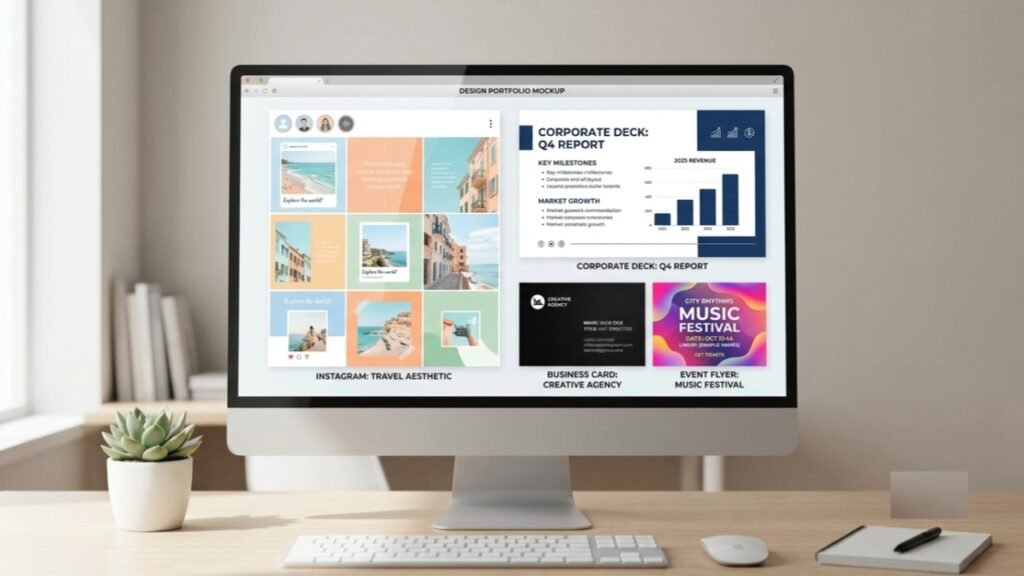
A design tool is only as fast as its starting point. Canva offers over 600,000 pre-made templates covering everything from Instagram reels and pitch decks to print flyers and resumes. Evaluating template quality means checking whether the designs look modern and professional or outdated and generic.
3. AI Features & Generative Tools
Artificial intelligence is changing how digital graphics are made. Canva integrates AI through its Magic Studio suite, offering tools like Magic Expand, background removers, and text-to-image generation. When comparing tools, look at how accurately the AI performs tasks without leaving visible glitches or unnatural artifacts in your images.
3.Brand Kits & Team Collaboration
For teams and business owners, maintaining brand consistency is crucial. Canva makes it easy by allowing users to store brand logos, custom fonts, and color palettes in a single Brand Kit. Real-time collaboration features allow multiple team members to edit, comment, and review designs simultaneously.
5. Pricing & Overall Value for Money
Features mean little if they fall outside your budget. Canva provides a generous free tier that satisfies casual users, while its Pro and Teams subscriptions unlock premium assets, AI capabilities, and expanded storage. Evaluating overall value requires weighing subscription costs against the time and money saved compared to hiring professional designers.
6. Stock Assets & Export Options
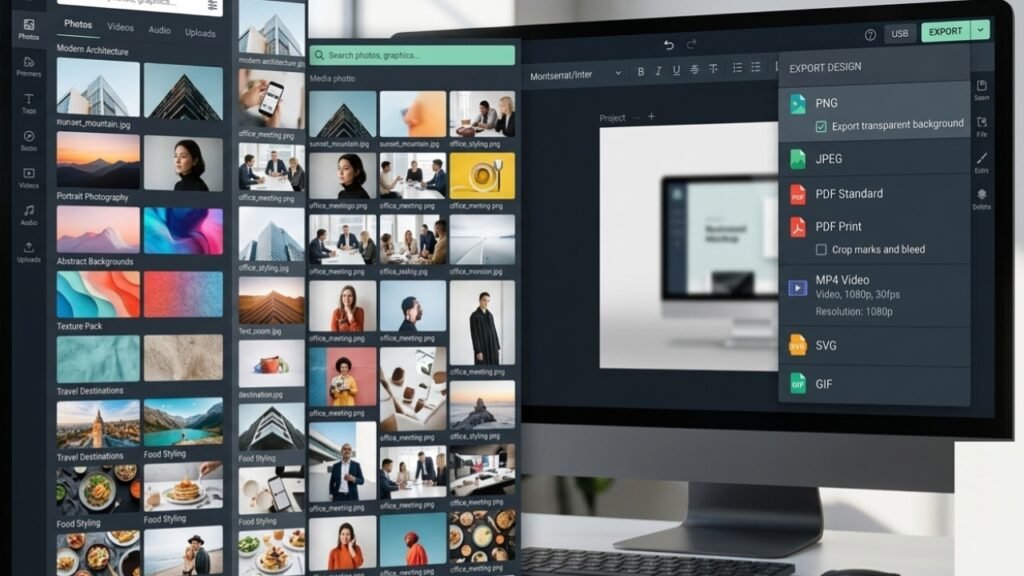
Finding the right photos, graphics, or videos can significantly slow down your workflow. Fortunately, Canva eliminates this hassle by providing a massive built in library of royalty-free stock photos, illustrations, icons, and audio tracks directly inside the editor. Once your design is perfectly crafted, Canva offers highly flexible export options. Depending on your project, you can download files in multiple formats, including high-quality PNGs, PDFs for professional printing, SVGs for web design, and even MP4s for video content.
7. Data Visualization Capabilities
Translating complex data into engaging visuals is essential for reports, pitch decks, and presentations. Canva simplifies data visualization by offering dozens of customizable chart types, graphs, and infographic elements. You can easily manually input data or connect Canva directly to tools like Google Sheets to instantly update your graphs. While specialized tools like Visme might offer slightly more advanced data mapping, Canva provides more than enough visual power to make business data look professional and easy to digest.
How Canva Compares to Top Alternatives
While Canva remains the most popular graphic design platform for non-designers, several powerful alternatives cater to specific workflows and creative needs. Below is a direct comparison of how Canva stacks up against its biggest competitors.
Canva vs. Adobe Express (Best Overall Alternative)
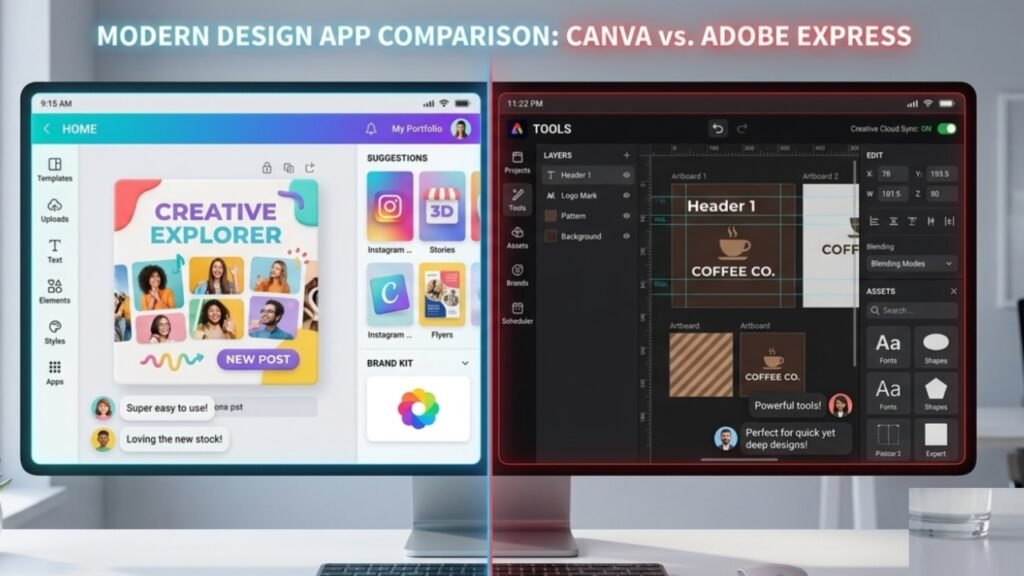
Adobe Express is Adobe’s direct answer to Canva. Both platforms target marketers, small business owners, and content creators who need quick, professional visual assets without a steep learning curve.
Ease of Use:
Both platforms offer drag-and-drop simplicity, but Canva still has a smoother user interface and faster performance for everyday quick tasks.
Stock & Templates:
Canva boasts a larger overall collection of pre made templates. However, Adobe Express integrates directly with Adobe Stock, providing access to higher end royalty free photos and graphics.
AI Capabilities:
Canva relies on its Magic Studio tools, while Adobe Express is powered by Adobe Firefly, which offers exceptionally clean generative fill and text-effects rendering.
Verdict:
Canva is better for total beginners wanting maximum variety and speed, while Adobe Express is ideal for users already embedded in the Adobe Creative Cloud ecosystem.
Canva vs. Figma (Professional UI/UX & Vector Design)
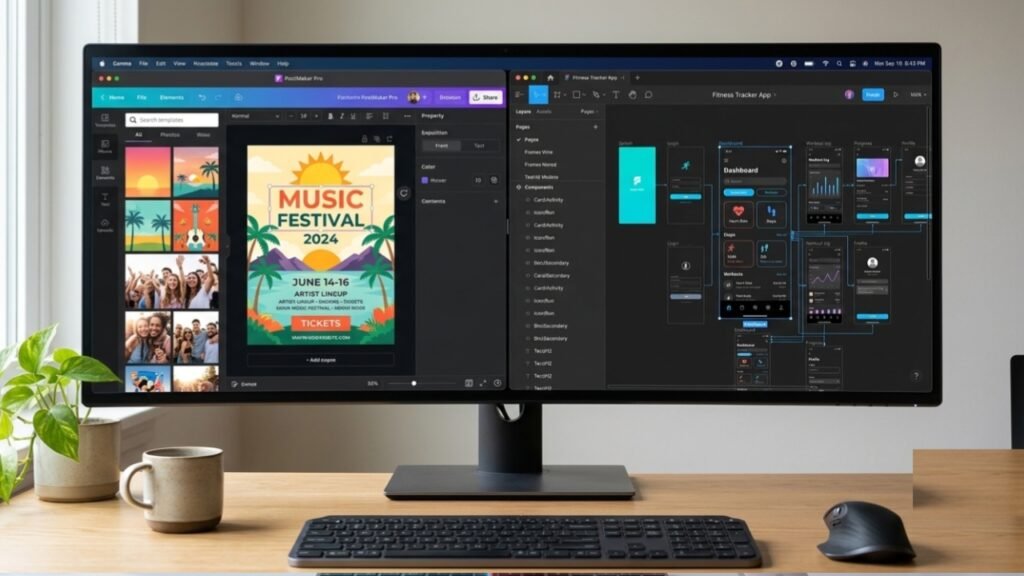
Comparing Canva to Figma is a battle between rapid content creation and high-precision UI/UX interface design.
Design Flexibility:
Canva operates on fixed layout frames and predefined drag and drop elements. Figma, on the other hand, provides pixel perfect vector editing tools, custom autolayouts, and advanced prototyping for websites and mobile applications.
Target Audience:
Canva is designed for marketers, social media managers, educators, and general creators. Figma is built specifically for product designers, web developers, and UI/UX specialists.
Learning Curve:
Canva can be mastered in less than an hour. Figma requires days or weeks of dedicated practice to fully utilize its vector networks and component systems.
Verdict:
If you need to make social graphics, flyers, or presentations in minutes, Canva is the clear winner. If you are designing interactive software interfaces or scalable vector branding, Figma is the industry standard.
Canva vs. Visme (Advanced Infographics & Data)
For users whose design work revolves around heavy data reporting, presentations, and technical visualization, Visme is Canva’s main competitor.
Data & Analytics:
While Canva supports basic charts and tables, Visme excels at transforming complex spreadsheets into interactive charts, animated widgets, and dynamic infographics.
Interactivity & Animation:
Canva offers simple entrance/exit animations. Visme allows users to create clickable multi- layered documents, interactive popups, and embedded forms.
Pricing:
Canva offers a significantly more robust free plan and cheaper Pro tier, whereas Visme’s premium tiers are priced noticeably higher for corporate teams.
Verdict:
Canva is superior for day to day visual design and marketing content, while Visme is worth considering if your work demands advanced corporate reporting and deep data visualization.
if you want know about business click here