


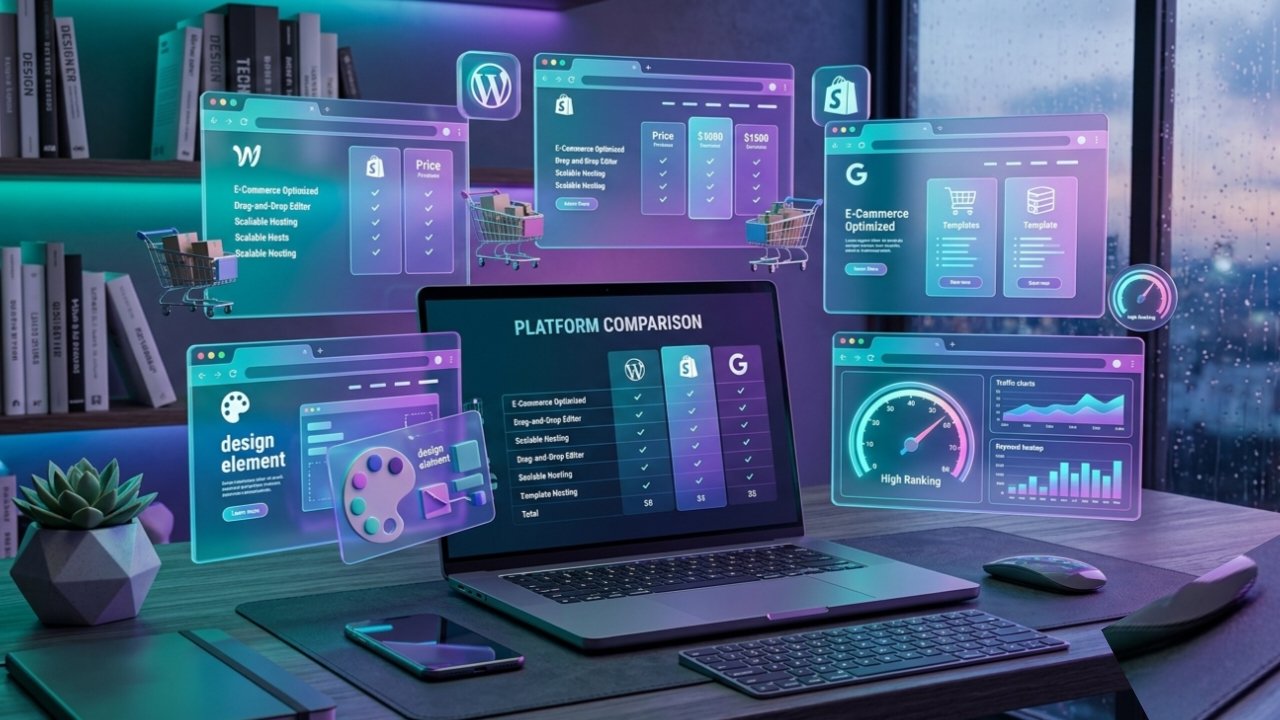
WordPress, Wix, Squarespace, Hostinger, Shopify & Webflow
Introduction
Website Building platforms become easier than ever in 2026. Whether you are creating a business website, blog, or online store, choosing the right platform can make a big difference
Today’s leading platforms offer everything from full custom coding flexibility to instant AI-powered layout generation. In this comprehensive comparison guide, we break down the leading platforms WordPress, Wix, Squarespace, Hostinger Website Builder, Shopify, Webflow, and GoDaddy Website Builder across 15 essential comparison criteria to help you find the perfect fit for your budget and technical goals.
Detailed Comparison Criteria
1. Ease of Use
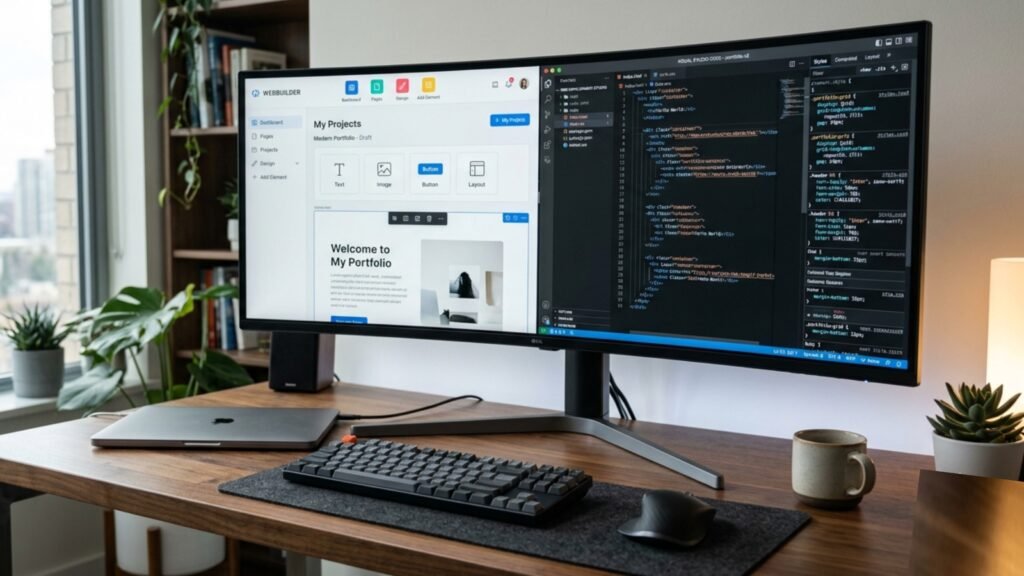
Ease of use determines how quickly a beginner can go from an empty screen to a published website without getting frustrated by complex technical menus. Platforms like Wix, Squarespace, and GoDaddy prioritize zero-learning-curve onboarding with guided walkthroughs. Hostinger Website Builder also excels in simplicity. On the other end, WordPress requires a bit more technical setup (managing hosting, themes, and plugins), while Webflow demands a solid understanding of fundamental HTML/CSS concepts like padding, flexboxes, and absolute positioning.
2. Website Templates
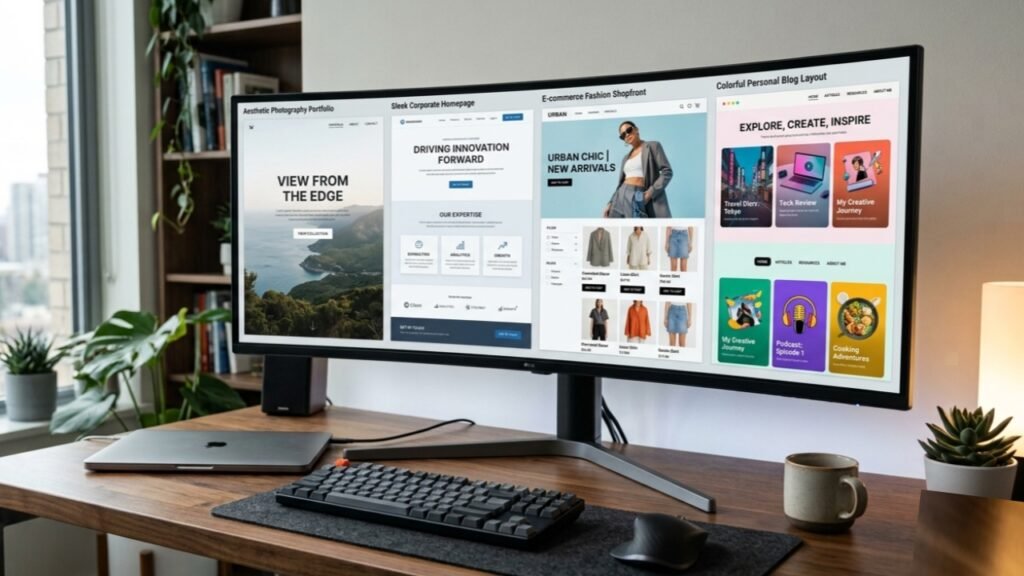
Templates give you a professional aesthetic starting point. Squarespace leads the industry in visual elegance, offering award winning, mobile responsive layouts tailored for designers, photographers, and boutiques. Wix offers a massive catalog of over 900 customizable templates across every conceivable niche. WordPress provides access to tens of thousands of free and premium themes (such as Astra or Divi). Shopify delivers highly structured templates focused specifically on driving retail sales and product conversions.
3. AI Website Building
Artificial intelligence has revolutionized modern Website Building. Platforms like Hostinger AI, Wix AI, and Squarespace Blueprint AI allow users to generate a customized, fully formatted draft website in under two minutes simply by answering a few prompts about their business name and industry. Shopify utilizes AI (Shopify Magic) to automatically write high-converting product descriptions, while WordPress leverages AI plugins for instant copywriting and translation.

4. SEO Features
To rank on Google, your platform must support proper metadata management, clean code structure, schema markup, and rapid sitemap generation. WordPress remains the gold standard for SEO when paired with plugins like Yoast or Rank Math. Webflow offers incredible native control over canonical tags, custom 301 redirects, and clean code output. Wix, Squarespace, and Hostinger provide beginner-friendly SEO setup wizards that handle the basics, though they offer slightly less granular control over technical SEO server tweaks.

7. E commerce Features
When selling physical or digital products at scale, Shopify is the undisputed global market leader. It delivers native multi currency checkout, advanced inventory tracking, automated shipping rate calculations, and thousands of dedicated e commerce apps. WordPress (via WooCommerce) provides complete ownership of your store without platform transaction fees. Wix, Squarespace, and Hostinger offer capable e commerce suites suitable for small-to-midsize stores, digital downloads, and service bookings.

8.Hosting & Domain
Hosted SaaS platforms such as Wix, Squarespace, Shopify, Webflow, and Hostinger include secure cloud hosting, automatic system maintenance, and a free custom domain for the first year. This eliminates the technical hassle of managing servers. Conversely, WordPress.org requires you to purchase separate third party hosting (e.g., SiteGround, Bluehost, or Hostinger) and connect your own domain, giving you full server ownership at the cost of manual maintenance.

9. Performance & Security
Speed, SSL Iyo Security Features
Page loading speed directly impacts user retention and Google search rankings. Closed SaaS platforms like Webflow, Shopify, and Squarespace automatically bundle SSL certificates, global CDN caching, and automated security patches. Hostinger and Wix deliver solid loading times for standard business pages. Self-hosted WordPress performance depends heavily on your choice of hosting provider, caching plugins, and image optimization tools; it can be blazing fast when optimized correctly, or slow if burdened by bloated plugins.

Pricing & Free Plans Free Plans,
Paid Plans and Value For Money
Budget considerations vary significantly based on long term business needs:
Wix & WordPress.com:Offer permanently free plans (with platform branding and subdomains) to let you test features before upgrading.
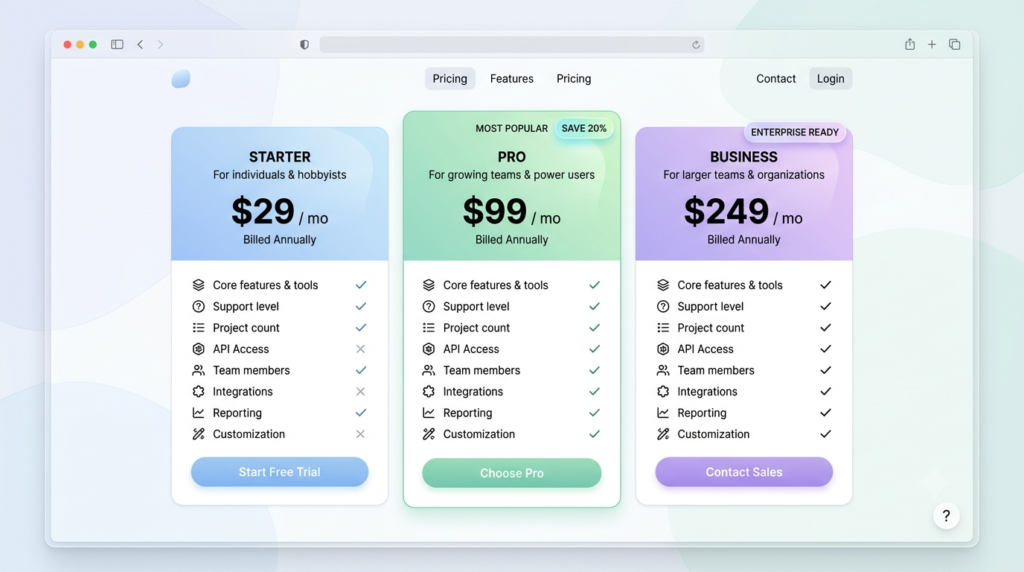
Hostinger Website Builder: Delivers the most budget friendly premium plans (starting around $2.99/month), making it ideal for cost-conscious creators.
Squarespace & Wix Paid Plans: Range from $16 $30/month for standard business sites.
Shopify & Webflow: Feature higher starting price points ($29,$39+/month), which are justified by their specialized retail engines and design frameworks.
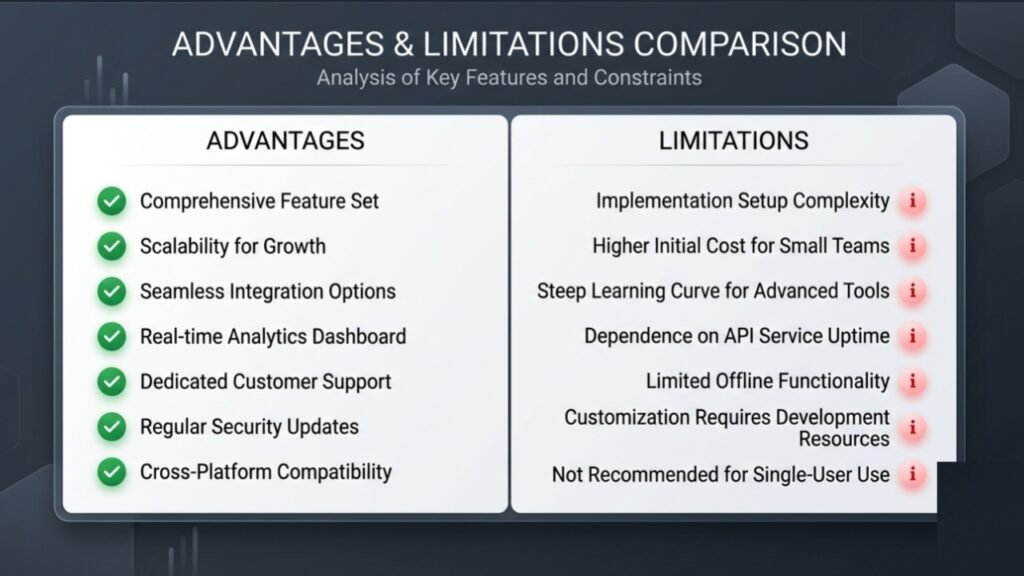
14. Pros and Cons
Every platform balances specific strengths against inherent limitations:
WordPress (Self Hosted)
Pros:
- Unlimited flexibility.
- total data ownership
- unbeatable plugin ecosystem
- superior technical SEO.
Cons:
- Requires manual updates
- security monitoring
- and a steeper learning curve for non technical users.
Wix
Pros:
- Incredible ease of use,
- absolute drag and drop freedom
- massive template library
- built in AI tools.
Cons:
- Once your site is live
- you cannot switch templates without re entering content;
- platform lock in makes exporting difficult.
Squarespace
Pros:
- Stunning designer templates
- intuitive grid editor
- polished native blogging and portfolio features.
Cons:
- Third party app ecosystem is smaller than Wix or WordPress
- slightly higher starting prices.
Hostinger Website Builder
Pros:
- Extremely affordable
- includes fast AI site generation
- simple drag and drop controls, bundled hosting.
Cons:
- Fewer advanced integrations
- limited choice for highly complex enterprise sites.
Shopify
Pros: Unmatched e-commerce features, scalable checkout, seamless app store, multichannel social selling.
Cons: Monthly app costs add up quickly; limited capabilities for standalone content-heavy blogs.
WebflowPros:
Pros
- Pixel perfect design control,
- clean exported code,
- custom visual animations,
- powerful dynamic CMS.
Cons:
- Steep learning curve;
- pricing can get expensive as traffic scales.
GoDaddy website builder
Pros:
- Super fast initial setup,
- basic all in one business tools bundled together.
Cons:
- Limited design customization options;
- restrictive long term feature set.
Conclusion & Final Verdict
Choosing the right Website Building platform comes down to balancing your technical comfort level, long-term business goals, and budget constraints:
Choose Wix or Hostinger if you want to build a polished, modern site in an afternoon without touching a line of code.Choose Squarespace if exceptional visual design and aesthetic portfolio presentation are your top priorities.
Choose WordPress if you are building a scalable content asset, blog, or business hub that you want to fully own and customize indefinitely.
Choose Shopify if your primary goal is selling products online at scale.
Choose Webflow if you are a designer who demands pixel perfect layout control and modern web animations.
if you want know more about business click here